
Housecall Pro Alternatives: What You Actually Get With Built-In Accounting
Housecall Pro is a solid front-office tool, but it's not an accounting system — and most alternatives still bolt on a QuickBooks sync that breaks as you grow. Here's what changes when the dispatch board and the general ledger are the same system.
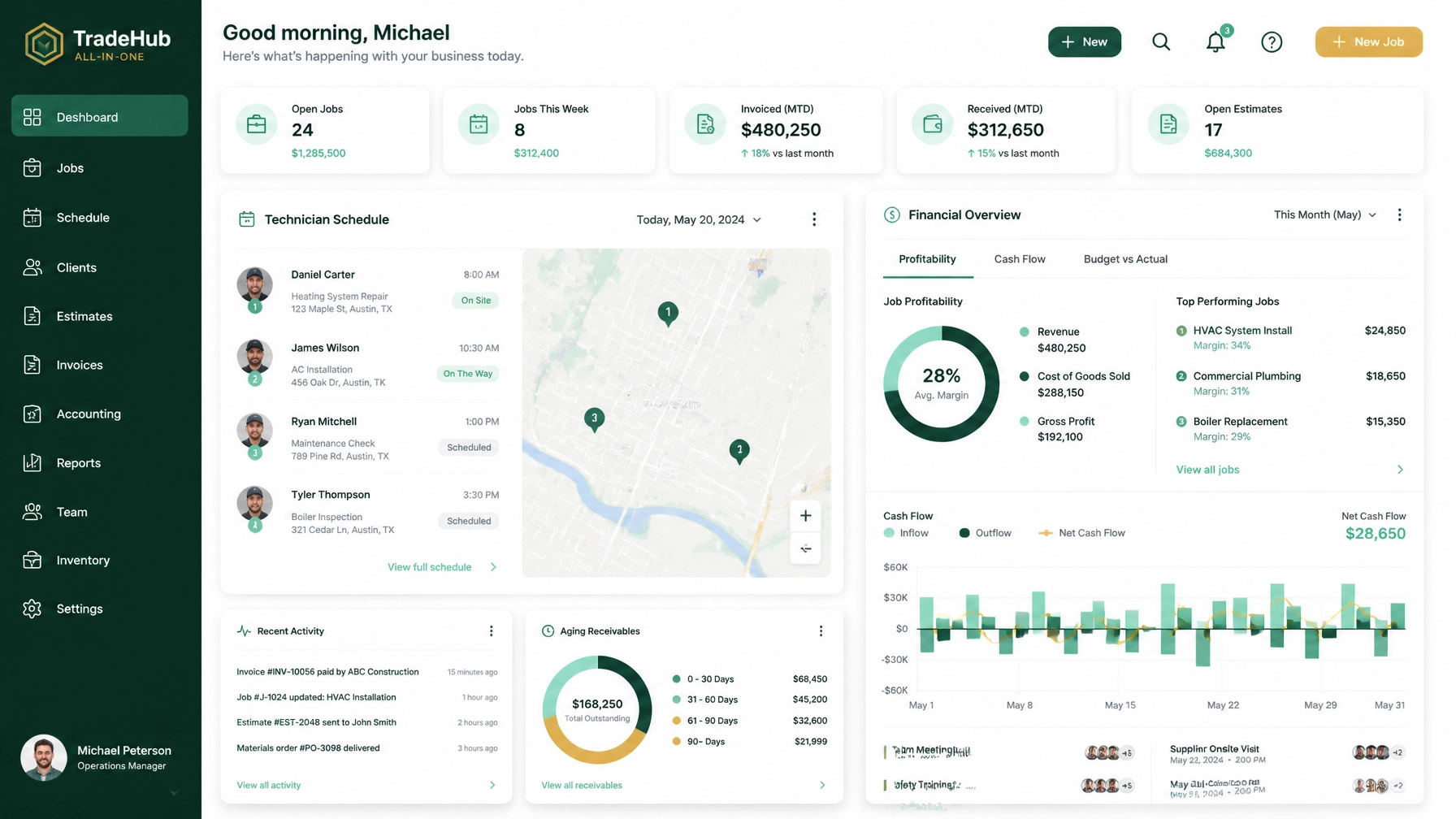
Most residential contractors start with Housecall Pro because it's easy to use and gets the job scheduled. But as your truck count grows, you hit the "sync seam."
The sync seam is the invisible line where your field service software (FSM) tries to talk to your accounting software (usually QuickBooks). When that seam breaks — and it always does — you end up with duplicate customers, missing payments, and a Profit & Loss statement you can't actually trust.
If you are looking for Housecall Pro alternatives, you aren't just looking for another scheduling tool. You are looking for a way to stop fighting with your data.
The Problem With "Syncing" Your Books
Most "all-in-one" platforms handle the field work, but they "sync" the money. This creates three specific points of failure for a growing plumbing or HVAC business:
- The Data Lag: An invoice is marked paid in the field, but doesn't show up in QuickBooks for 24 hours. You accidentally call a customer for a late payment they've already made.
- The Duplicate Nightmare: A tech creates a "New Customer" in the field for a service call, not realizing the customer is already in the system. Now you have two entries in QuickBooks and your historical job costing is trashed.
- The "Blind" Owner: Because your FSM doesn't see your overhead (rent, truck notes, insurance), you can see your "sales," but you can't see your actual net profit in real-time.
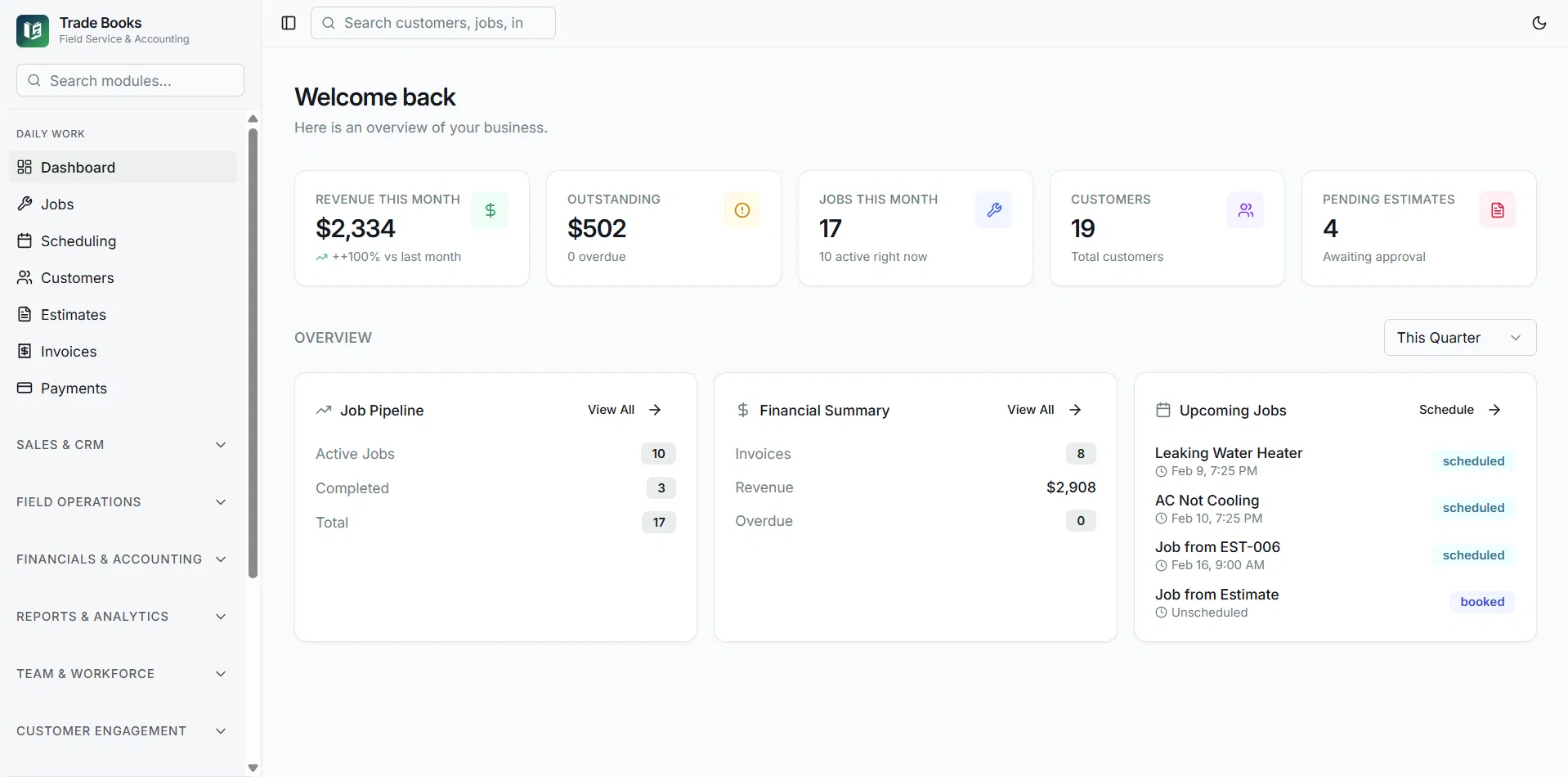
What "True Double-Entry Accounting" Actually Means
When we say Trade Books has built-in accounting, we aren't talking about just "making invoices." We mean a full general ledger.
In Housecall Pro, you create an invoice and hope it lands in the right bucket in QuickBooks. In Trade Books, when a tech finishes a repair and takes a payment, the following happens simultaneously:
- The Inventory asset account is credited (parts used).
- The Cost of Goods Sold (COGS) is debited.
- The Accounts Receivable is cleared.
- The Cash account is updated.
There is no "syncing" because the data never leaves the system. Your invoicing and payments are the books.
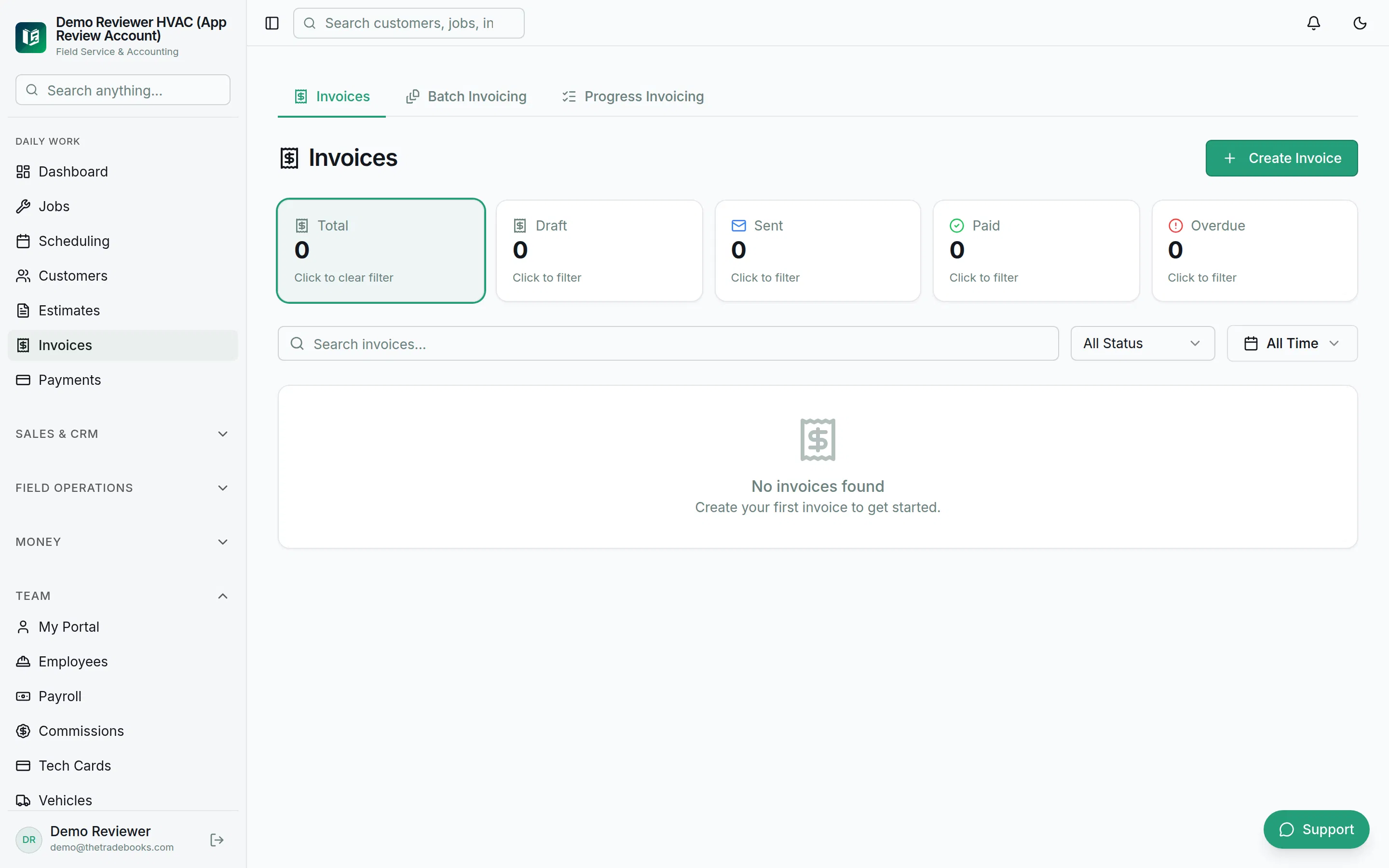
Comparing the Real Costs: Housecall Pro vs. Trade Books
Contractors often look at the sticker price of software but forget the "hidden tax" of the fragmented stack.
| Feature | Housecall Pro + QuickBooks | Trade Books |
|---|---|---|
| Monthly Software Fee | $79–$329+ plus $38–$140 for QuickBooks | Starting at $49/mo |
| Accounting Method | Third-party sync | Built-in double-entry |
| Data Entry | Manual reconciliation needed | 100% automated |
| Job Costing | Estimated / manual | Real-time (including overhead) |
| Implementation | Self-serve / paid | Free 48-hour white-glove migration |
By switching, a 5-person shop on Housecall Pro Essentials saves $125–$204 a month — roughly $1,500 to $2,448 a year — in software subscriptions alone, not counting the 5–10 hours of office admin time saved every week. See the full breakdown on our Housecall Pro comparison page.
Engineered for the Trades (HVAC, Plumbing, Electrical)
Generic accounting software doesn't understand "truck counts" or "first-time fix rates." Trade Books was built for the specific workflows of residential service.
Smart Scheduling & Dispatch
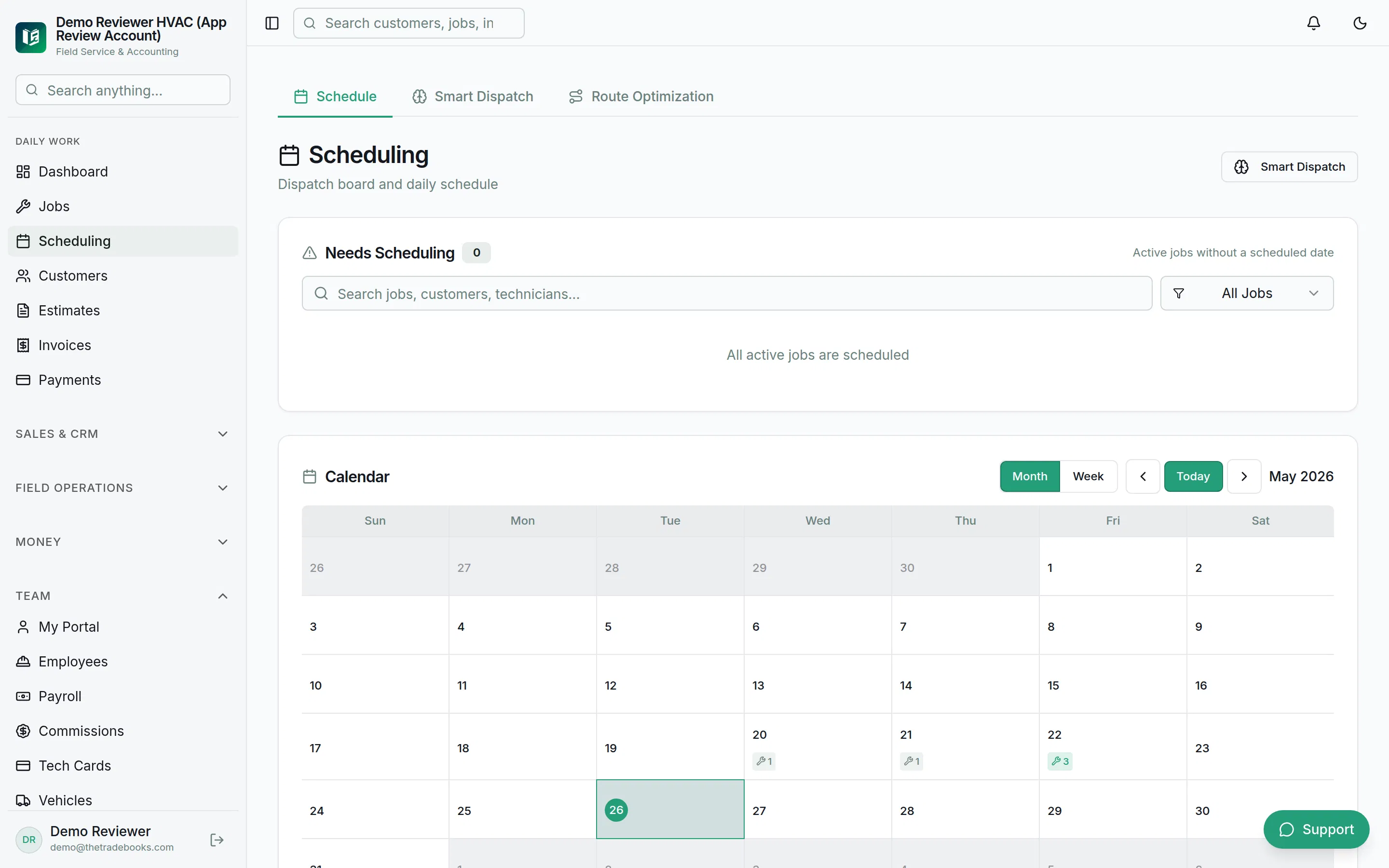
Your dispatch board should do more than just hold a calendar. Our scheduling and dispatch tools include route optimization and Smart Dispatch, which looks at a technician's skill set and proximity to ensure the right person is on the right job.
AI-Powered Field Assistant
While Housecall Pro is primarily a CRM, Trade Books includes an AI toolkit designed to make your techs more profitable.
- Photo-Based Estimating: Techs can snap a photo of a data plate, and the AI helps build the estimate based on your pricebook.
- AI CFO: Get a morning briefing on your margins and cash flow without running a single report.
- Churn Prediction: Identify customers who haven't booked their seasonal maintenance before they go to a competitor.
The Fear of Switching: Free 48-Hour Migration
The #1 reason contractors stay with Housecall Pro despite the sync issues is the fear of losing their data. Moving years of customer history, pricebooks, and outstanding invoices feels like a root canal.
We've solved this. We offer free "white-glove" migration. We take your data from Housecall Pro, ServiceTitan, or Jobber and move it into Trade Books in 48 hours. No data loss. No manual re-entry.

Pricing That Makes Sense
We don't believe in nickel-and-diming you for "add-on" features that should be standard.
- Starter: $49/mo
- Professional: $149/mo
- Enterprise: $299/mo
Every tier includes our core accounting features. There are no implementation fees, and you can start a 30-day free trial with no credit card required.
The Final Word
If you are a solo operator just trying to send your first five invoices, Housecall Pro is a fine place to start. But if you are a professional contractor who wants to scale a profitable business, you cannot afford the "sync seam."
You need a system where the field work and the books finally match. You need to know your exact profitability per job, per technician, and per day — without opening three different apps.
Ready to see your real numbers? Start your 30-day free trial or see how Trade Books compares to Housecall Pro feature by feature.