
Field Promax vs. Trade Books: They Sync Your Books to QuickBooks. We Are the Books.
Field Promax is honest software: transparent pricing, fast setup, no sales-call gauntlet. But it handles the field work and syncs the money to QuickBooks. Here's what the total cost and workflow look like when the accounting is built in instead.
Field Promax deserves credit for something most field service software refuses to do: publishing its prices. No "book a demo to find out," no sales-call gauntlet, no annual contract. If you've read our ServiceTitan comparison, you know how much we respect that — it's the same promise we make.
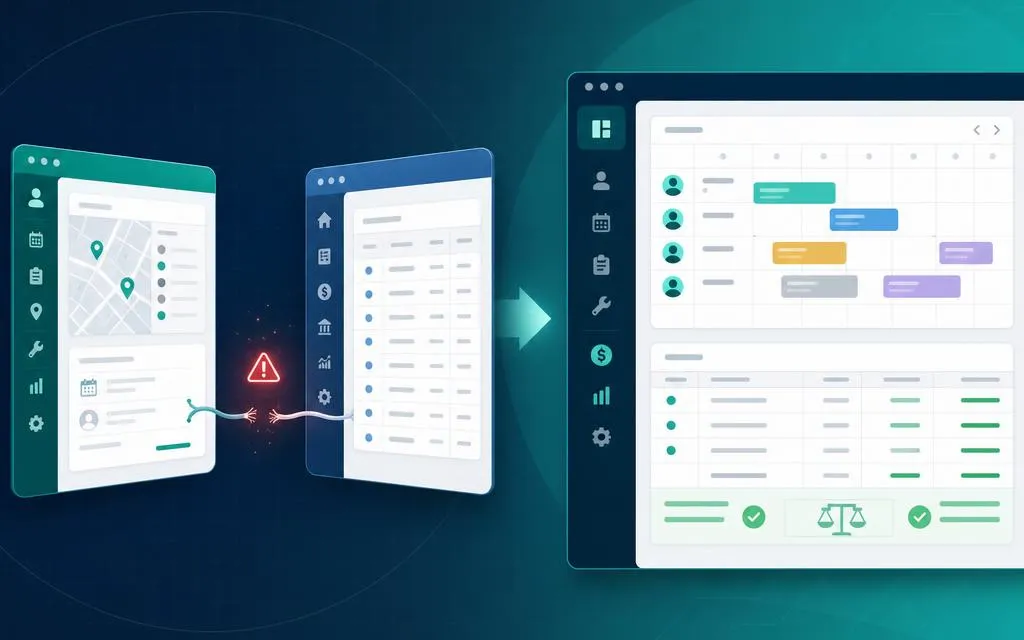
So this is a comparison between two products that agree on the pitch and differ on the architecture. Field Promax handles scheduling, work orders, estimates, and invoicing — and then syncs your financial data to QuickBooks (or Xero). Trade Books does the field work too, but the accounting isn't an integration. It's the foundation.
What Field Promax Does Well
We're not going to pretend otherwise — for the front office, Field Promax covers the table stakes:
- Scheduling & dispatch with GPS and time tracking, calendar and map views.
- Work orders with attachments, custom forms, checklists, and recurring orders.
- Estimates and invoicing from the mobile app, with signature capture and photo documentation.
- Transparent pricing and no contract — you can see the number on their website and cancel month to month.
If all you need is a scheduling tool and you're happy running your books in QuickBooks forever, Field Promax is a reasonable choice. The question is whether "forever syncing to QuickBooks" is actually the workflow you want.
The Architecture Question: Sync vs. Built-In
Field Promax's own feature page says it plainly: "Connect your field service data directly to QuickBooks & Xero." That's the design. The field app captures the work; the accounting happens somewhere else, after a sync.
We've written before about what we call the sync seam — the invisible line where an FSM hands your money data to QuickBooks. Every shop that lives on a sync eventually hits the same three problems: duplicate customers, invoices that land in the wrong bucket, and a P&L that lags reality by days.
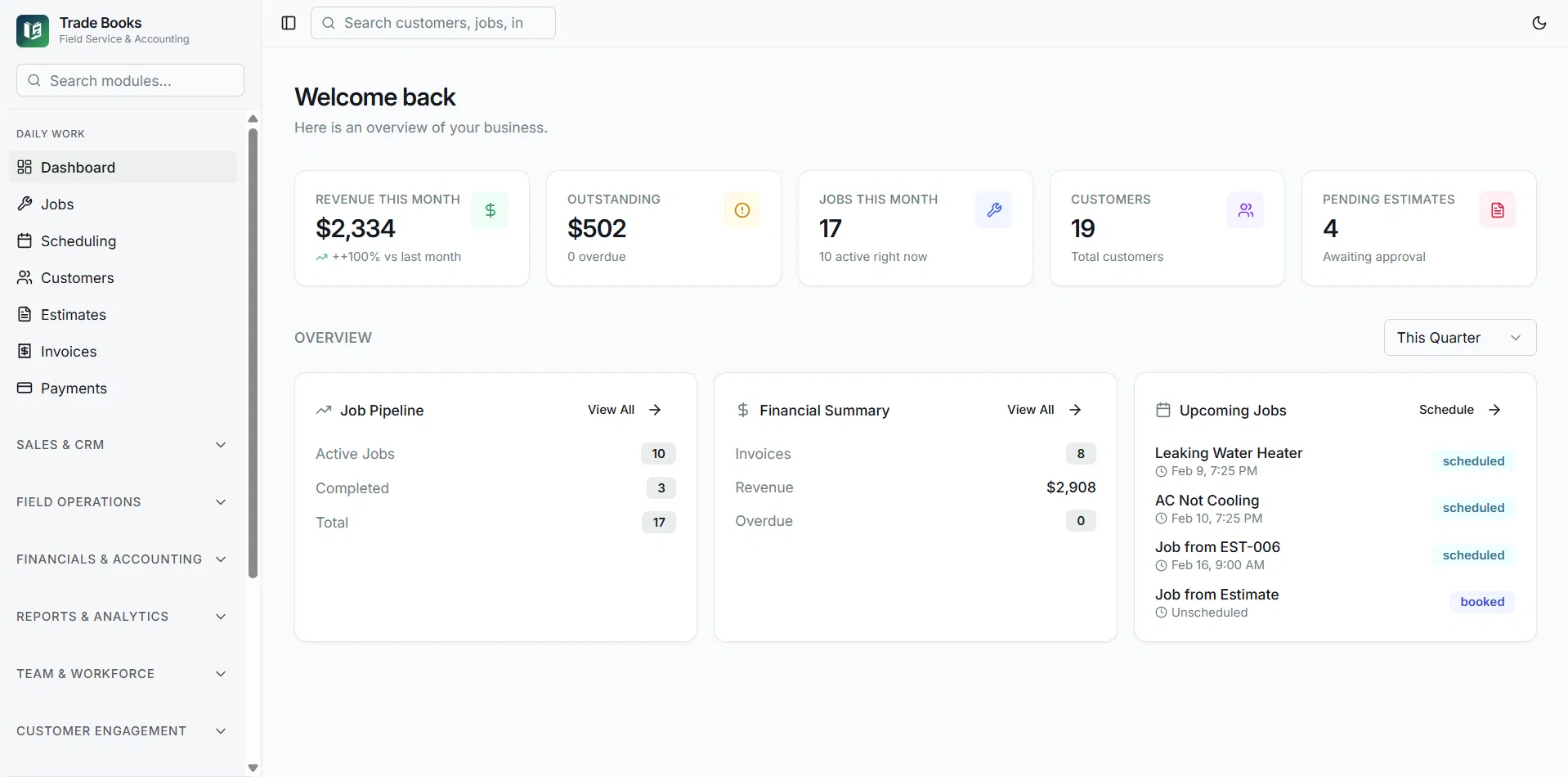
In Trade Books, there is no seam because there is no second system. When a tech closes a job and takes a payment, the journal entries post instantly — revenue, COGS, inventory, cash. Your invoices and payments are the books.
The Real Monthly Cost: Field Promax + QuickBooks vs. Trade Books
Because Field Promax relies on QuickBooks (or Xero) for the accounting, the honest cost comparison is Field Promax plus a QuickBooks subscription — versus Trade Books on its own. Field Promax's published pricing (as of August 2026): Light at $99/month for 1 user, Standard at $239/month for 2–5 users, and Premium at $319/month for 6–8 users, with additional Premium users at $40 each. Annual billing takes 20% off.
| Field Promax + QuickBooks | Trade Books | |
|---|---|---|
| Software fee (solo operator) | $99/mo + QuickBooks subscription | $49/mo, all-in |
| Software fee (5-person shop) | $239/mo + QuickBooks subscription | $149/mo, all-in (up to 10 users) |
| Accounting method | Sync to QuickBooks or Xero | Built-in double-entry general ledger |
| P&L and balance sheet | In QuickBooks, after the sync | Live, in the same system as dispatch |
| Payroll | Third-party (QuickBooks Payroll, Paylocity, etc.) | Built in on higher tiers |
| Month-end reconciliation | Reconcile two systems | One system — nothing to reconcile against |
| Published pricing, free trial, no contract | Yes — credit where due | Yes — $49 / $149 / $299, 30-day trial |
Run the math for a typical 5-tech shop: Field Promax Standard at $239/month plus QuickBooks Online Essentials at $85/month is $324/month before payroll — versus $149/month for Trade Books Professional with the ledger and payroll included. That's $2,100 a year in subscriptions alone, before you count the office hours spent babysitting the sync. See the full QuickBooks-stack math on our QuickBooks comparison page.
Where the Sync Actually Bites
Job costing that ends at the sync
Field Promax offers order profit analysis on the field side, which is genuinely useful. But your overhead — rent, truck notes, insurance, office payroll — lives in QuickBooks. So "profit per job" in the field app and "profit" in your books are two different numbers, computed in two different places, on two different schedules. In Trade Books, job costing draws from the same ledger your accountant sees, so there's exactly one version of the truth.
Payroll is someone else's problem
Field Promax tracks time and integrates with Paylocity; the payroll itself happens in yet another system. Trade Books runs payroll on higher tiers, and labor cost flows from the time clock straight into job costs and the general ledger.
The two-system month-end
Every sync-based stack has the same closing ritual: export, import, find the mismatches, fix the duplicates, reconcile. Shops that moved to Trade Books tell us month-end close went from a full day to under an hour, because the invoices posted their own journal entries months ago.
When Field Promax Is the Right Call
Honesty cuts both ways. Pick Field Promax if:
- Your accountant or bookkeeper insists on QuickBooks as the system of record and you have no interest in changing that.
- You already run Xero and want an FSM with a native Xero sync — Trade Books exports to QuickBooks-importable CSVs but doesn't sync to Xero.
- You only need scheduling and work orders, and someone else entirely handles your books.
But if the reason you're shopping is that your field data and your financials never quite agree — the sync is the disease, and a better sync is not the cure.
The Final Word
Field Promax and Trade Books agree on how software should be sold: published prices, free trial, no contract, no sales-call maze. Where we differ is what happens to your money data. They built a field app that syncs to your accounting system. We built the accounting system into the field app.
Want to see your books and your dispatch board in one login? Start your 30-day free trial — no credit card — or read how we stack up against QuickBooks and ServiceTitan.