
Unified Trade Platform Versus QuickBooks
Unified trade platform versus QuickBooks: see how contractors compare job scheduling, invoicing, payroll, and bookkeeping to reclaim their evenings.
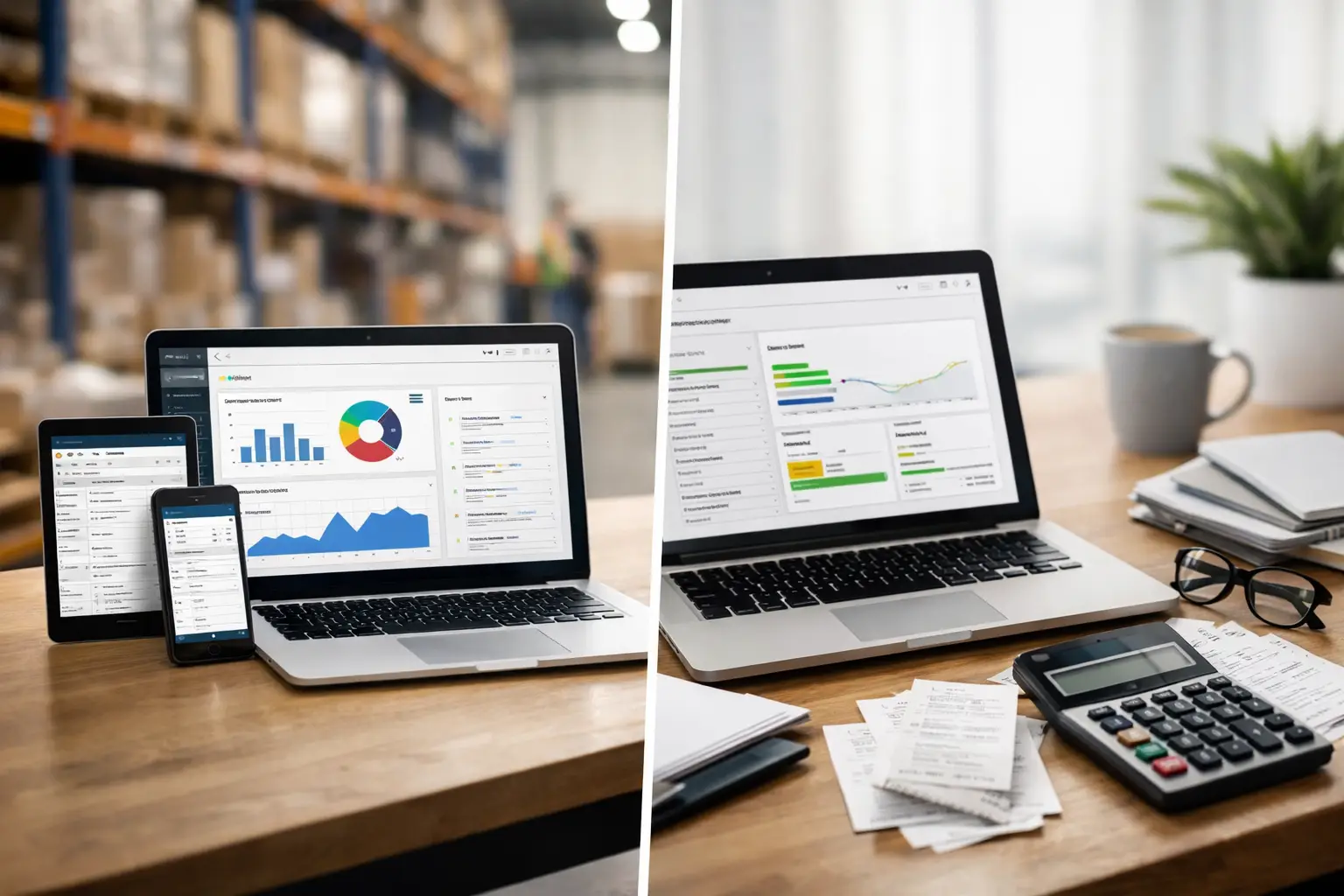
A customer calls while you are finishing a water heater install. You write the job details on paper, schedule the next stop by text, and plan to send the invoice later. Then later becomes 9 p.m., when you still need to enter expenses and figure out what the crew worked on. That is the real question behind a unified trade platform versus QuickBooks comparison: not which tool has more features, but which one gets the business work done before it takes over your evening.
QuickBooks is a well-known accounting product and can be a solid choice for bookkeeping. But home service contractors do more than bookkeeping. You answer calls, schedule jobs, dispatch crews, create estimates, collect payment, manage job costs, and run payroll. The right setup depends on whether you need a financial system, an operating system for the whole business, or a combination of both.
Unified Trade Platform Versus QuickBooks: The Core Difference
QuickBooks is built around the financial record. You record income and expenses, reconcile bank transactions, track accounts payable, produce financial reports, and prepare for tax time. For a contractor who already has reliable systems for scheduling and field communication, that focus may be enough.
A unified trade platform starts earlier in the work cycle. It is built around the customer call and the job itself. The same system can capture a missed call through an AI receptionist, book an appointment, place work on a dispatch board, send the technician job details, create an invoice when work is complete, take card or ACH payment, record the transaction, and support payroll.
That difference matters because most administrative mistakes in a service business do not begin in the chart of accounts. They begin when job information is scattered across a notebook, text thread, scheduling app, payment terminal, and accounting software. Every handoff creates another task for someone to remember later.
Where QuickBooks Fits Well
QuickBooks can be the practical answer for a solo contractor or small business that primarily needs dependable accounting. It is familiar to many bookkeepers and accountants, and its reporting can give an owner a clear view of revenue, expenses, profit, and tax obligations. If your office already handles scheduling, invoicing, and payroll through established processes, moving everything into a new system may not be necessary.
It can also work well when your service operation is simple. If you perform a limited number of jobs each week, do not dispatch multiple crews, and do not need a dedicated booking or phone-answering workflow, a general accounting tool may cover the biggest financial need at a lower level of operational change.
The trade-off is that QuickBooks generally does not run the field side of the business by itself. Contractors often add separate software for scheduling, dispatch, estimates, customer communication, payments, payroll, and call handling. Those tools may integrate to some degree, but an integration is not always the same as one workflow. Someone still needs to check whether the estimate became a job, whether the completed job became an invoice, and whether the payment and labor costs landed in the right place.
What a Unified Platform Changes for Contractors
A unified platform is designed for the owner who is still working in the field while trying to keep the office moving. Instead of treating scheduling and bookkeeping as separate departments, it connects them to the same job record.
When a customer books work, the office can see the appointment. When dispatch assigns a technician, the job moves with the schedule. When the work is complete, the invoice is ready to send without retyping the customer details or rebuilding the job from scratch. When the customer pays, the payment is tied to the work that produced it.
That can make a noticeable difference in cash flow. A job invoiced at the kitchen table three days later is a job that may be paid three days later. A job invoiced as soon as the technician wraps up gives the customer a clear next step while the work is still fresh. Faster invoicing does not guarantee faster payment, but it removes one common delay that contractors control.
It also reduces duplicate entry. Duplicate entry sounds minor until you multiply it by every estimate, service call, invoice, payment, and employee hour in a month. The time loss is real, and so is the risk of mismatched records. A customer address entered incorrectly in one system, or a service fee missed during transfer to another, can create an avoidable dispute or a messy month-end close.
Compare the Daily Workflow, Not Just the Feature List
Feature checklists can make two products look similar. Both may offer invoicing. Both may connect to payments. Both may support financial reporting. The better comparison is what happens on a normal Tuesday when the phone is ringing, two technicians need their next stops, and a customer wants a receipt before you leave the driveway.
With a separate stack, the workflow may look like this: capture the call in one place, schedule it in another, text the technician, invoice in accounting software, process the payment through a payment tool, then confirm the records match. None of those steps is impossible. The issue is the number of places you need to visit to finish one job.
With a unified trade platform, the goal is one connected path from lead to paid work. That can include online appointment booking for customers who call after hours, an AI receptionist for missed calls, a visual dispatch board for daily scheduling, invoicing tied to completed jobs, and payroll connected to the people doing the work. The benefit is not software for its own sake. It is fewer loose ends waiting for you after dinner.
For many small contractors, price matters too. A platform that starts at $49 per month may cost less than piecing together a scheduling app, accounting subscription, payroll product, payment tool, and phone-answering service. Still, compare the actual monthly total based on your crew size, payroll needs, payment processing, and any features you already pay for. The lowest subscription price is not always the lowest operating cost.
Payroll and Job Costs Need Context
Payroll is where disconnected systems can become especially frustrating. Hours are gathered from texts, paper timesheets, or one app. Then someone enters them into payroll. Later, the owner tries to understand whether a specific job was profitable, but labor costs are sitting in a separate report.
A trade-focused system can make the relationship between field work and labor clearer because jobs, team schedules, and financial administration live closer together. That does not remove the need to review payroll carefully or work with a qualified tax professional. It does mean less chasing of information across tools.
The same applies to job costing. QuickBooks can track expenses and financial categories well, but a contractor needs the operational context behind those numbers. Was the job underpriced? Did a return visit eat up the margin? Did a technician spend extra time waiting for a part? A platform built around service work helps keep the financial record connected to the job story.
When Keeping QuickBooks Makes Sense
There is no rule that says every contractor should replace QuickBooks. Keep it if it already supports your accounting process, your accountant depends on it, and your field workflow is genuinely under control. It may also make sense to keep it if you have a larger back office that can manage multiple specialized tools without work falling through the cracks.
But be honest about what “under control” looks like. If invoices regularly wait until the weekend, if your crew calls you for addresses and job notes, if missed calls become lost leads, or if payroll requires a late-night spreadsheet session, the problem is not a lack of effort. Your systems are asking one person to act as the connection between everything.
A platform like Trade Books is built for contractors who want field service, accounting, invoicing, payroll, payments, and customer intake working from one place. It is not about turning a plumber, electrician, or landscaper into a software expert. It is about making the business work follow the job, instead of following you home.
Choose for the Work You Want to Stop Doing
Before choosing between a unified platform and QuickBooks, write down every place a completed job has to go before the money is recorded and the employee is paid. Include the phone call, schedule, estimate, invoice, payment, expense, time entry, and payroll step. If the list crosses several apps, notebooks, and text threads, the hidden cost is likely your time.
The best system is the one your team will actually use at the pace of a busy service day. Look for a workflow that helps you answer work, schedule it, finish it, bill it, and account for it without rebuilding the same information at night. You already worked today. Your business software should help you get your evening back.