
Automated Payment Reminders for Contractors
Automated payment reminders contractors can rely on help keep invoices moving, protect cash flow, and cut down on after-hours follow-up for your business.
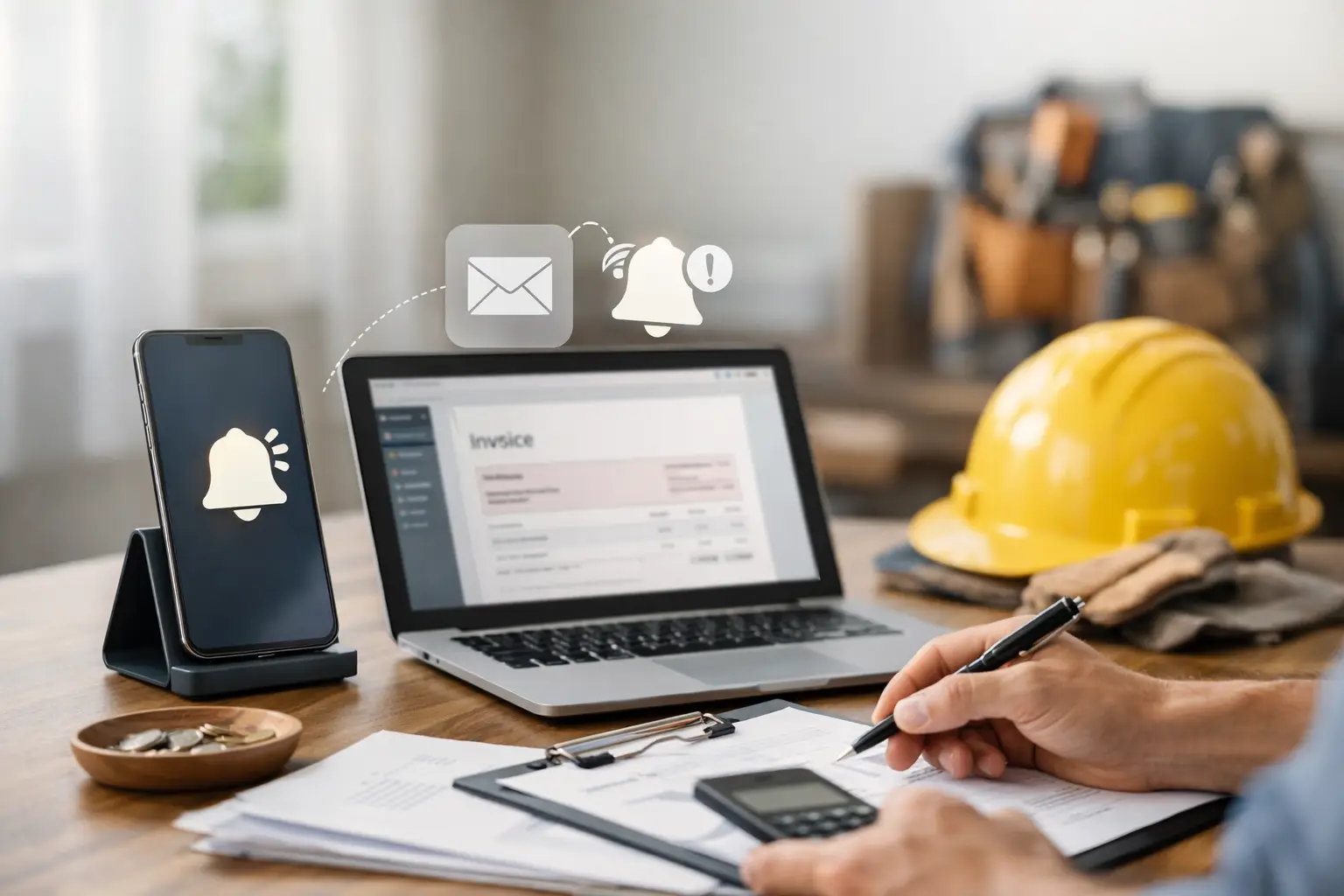
A job can be finished, inspected, and signed off by the customer - yet still not be paid. For many small trade businesses, that means the work is done but the money is stuck. Automated payment reminders that contractors can use take the pressure off that gap, helping invoices get noticed without forcing you to spend your evening sending texts, emails, and awkward follow-up messages.
The point is not to chase good customers harder. It is to make payment easy to remember and easy to complete. When reminders are tied to the invoice, payment link, and customer record, they turn a task that usually lands at 9 p.m. into a process that runs while you are on the next job.
Why unpaid invoices create bigger problems than one late payment
A late invoice is rarely just one late invoice. It affects the money available for payroll, materials, fuel, insurance, and the next round of jobs. If you have to stop work to figure out who has paid, who has not, and whether a customer saw the invoice, the administrative cost starts piling up too.
Owner-operators feel this most. You may be the person answering calls, scheduling crews, doing estimates, completing service work, and handling the books. Following up on five unpaid invoices after dinner can feel manageable. Following up on 30 takes an entire evening you do not get back.
Manual reminders also create inconsistency. One customer gets a polite email right away. Another gets a text two weeks later because their invoice was buried in a spreadsheet or inbox. That inconsistency makes cash flow harder to predict and puts your team in the uncomfortable position of deciding who needs a nudge.
How automated payment reminders for contractors work
Automated reminders send a message based on an invoice's status and due date. A customer might receive the invoice when the job is complete, a friendly reminder a few days before it is due, and another notice if the balance remains unpaid after the due date. The system stops the reminder sequence when the payment comes in.
For a contractor, the useful part is context. The reminder should include the customer name, invoice amount, job details when appropriate, and a simple way to pay by card or ACH. Customers should not have to search through an old email, call the office, or ask for another copy of the invoice before they can pay.
The exact schedule depends on your business. A residential plumber collecting at job completion may need one invoice notice and a short follow-up. An HVAC company that bills commercial maintenance customers on net terms may need reminders before and after the due date. A landscaping business with recurring service may need a different rhythm altogether.
Automation handles the routine part. You still decide the terms, the timing, and when a customer needs a personal call instead.
The best reminder schedule is firm, not pushy
Payment reminders work best when they feel like a normal part of doing business, not a surprise or a threat. Set expectations before you send the first invoice. Put your payment terms on estimates, work orders, and invoices. If payment is due upon completion, say so plainly. If a commercial customer has net 30 terms, make that clear too.
A simple sequence often works well: send the invoice immediately after work is approved or completed, send a courtesy reminder shortly before the due date, then send a clear overdue reminder once the due date passes. If the balance is still open after that, assign it to someone for a direct call.
The wording matters. Keep the early message short and helpful: the invoice is ready, here is the amount, and here is how to pay. An overdue reminder can be more direct without becoming hostile. Most customers are not trying to avoid payment. They are busy, missed the email, or planned to handle it later.
Do not overdo the frequency. A reminder every day can irritate a customer who has already mailed a check or is waiting on an approval. The goal is steady follow-up, not noise. If your jobs are high-ticket or involve insurance payments, build in a longer schedule and use personal follow-up sooner.
What to look for before you automate invoice follow-up
A reminder tool by itself can save time, but it can also create another system to manage. If your scheduling app, invoicing tool, payment processor, accounting software, and payroll platform all sit in separate places, someone still has to keep records aligned.
Before choosing a setup, make sure it can do the work that matters after the reminder goes out:
- Send reminders from the actual invoice rather than from a separate contact list.
- Include a secure card or ACH payment option so customers can act immediately.
- Update the invoice automatically when payment is received.
- Keep customer, job, invoice, and payment records together.
- Show you what is overdue without asking you to build a spreadsheet.
That last point matters more than it sounds. A payment reminder is only useful if the balance is accurate. If a customer pays by check, makes a partial payment, or has a credit from a previous job, your office needs a clear record before the next message goes out.
Why all-in-one systems reduce follow-up mistakes
Stitching together separate tools can look cheaper at first. You may have one app for scheduling, another for accounting, a payment processor, and a separate email automation tool. Then the real cost shows up in duplicate entry, missed updates, monthly subscriptions, and the time it takes to find out what happened on a job.
An all-in-one operating system connects the full path: the customer calls, the job gets booked, the crew is dispatched, the work is completed, the invoice is sent, the payment is collected, and the transaction lands in the books. Automated reminders become part of that workflow rather than another task someone has to remember to set up.
For example, if a technician finishes an electrical repair and the invoice is created from the job record, the customer can receive a payment request before the technician leaves the driveway. If it is not paid, the reminder sequence starts based on the terms you chose. Once the customer pays, the invoice status and accounting records update without someone retyping the payment at night.
Trade Books is built around this kind of connected workflow for home service businesses. It brings field service, invoicing, payments, accounting, and payroll into one system, starting at $49 per month. That matters when your business is growing and you need better control without adding a stack of tools or another office person just to keep up.
Make exceptions visible, not invisible
Automation is not a replacement for judgment. Some overdue invoices need a different approach. A longtime customer may be waiting for an insurance check. A property manager may require a purchase order before payment can be released. A customer may dispute part of the job. Those are not situations for repeated automated messages.
Set clear internal rules for when an invoice leaves the automated sequence and becomes a personal follow-up. That could be a balance over a certain amount, an invoice more than 15 days overdue, a repeat late payer, or any job with a documented dispute. The person making the call should be able to see the job notes, original estimate, invoice, and payment history in one place.
This protects customer relationships while keeping routine collections out of your evenings. You are not treating every unpaid invoice as a problem. You are quickly identifying the few that actually need your attention.
Start with one process your team will actually follow
Do not try to fix every collection issue in a week. Start by tightening the handoff between completed work and invoicing. Decide who marks a job complete, when the invoice goes out, what the payment terms are, and which reminder schedule applies. Then make sure every person on the team follows that same process.
Track a few practical numbers over the next month: how long invoices stay unpaid, how many customers pay after the first reminder, and how much time your office spends on follow-up. If invoices are still aging, the problem may not be the reminder language. It may be that invoices are going out too late, payment options are limited, or terms were never clearly communicated.
The best payment reminder is the one your customer can act on in seconds and your team does not have to think about. Get that process in place, and completed jobs have a much better chance of turning into money in the bank before another evening disappears into paperwork.